
Team
Technician and Employee Management for Locksmith Teams
Grow past one van without losing control. KeyLogic Pro's Team Growth plan adds staff accounts, role permissions, time tracking and commission pay on top of the dispatch and inventory tools your techs already use.
The problem: a growing team multiplies the moving parts
The jump from solo operator to a team is where locksmith businesses get messy: who saw which job, who's on the clock, what does each tech get paid, and who's allowed to touch pricing or inventory? Spreadsheets and trust only stretch so far.
Accounts, roles and permissions
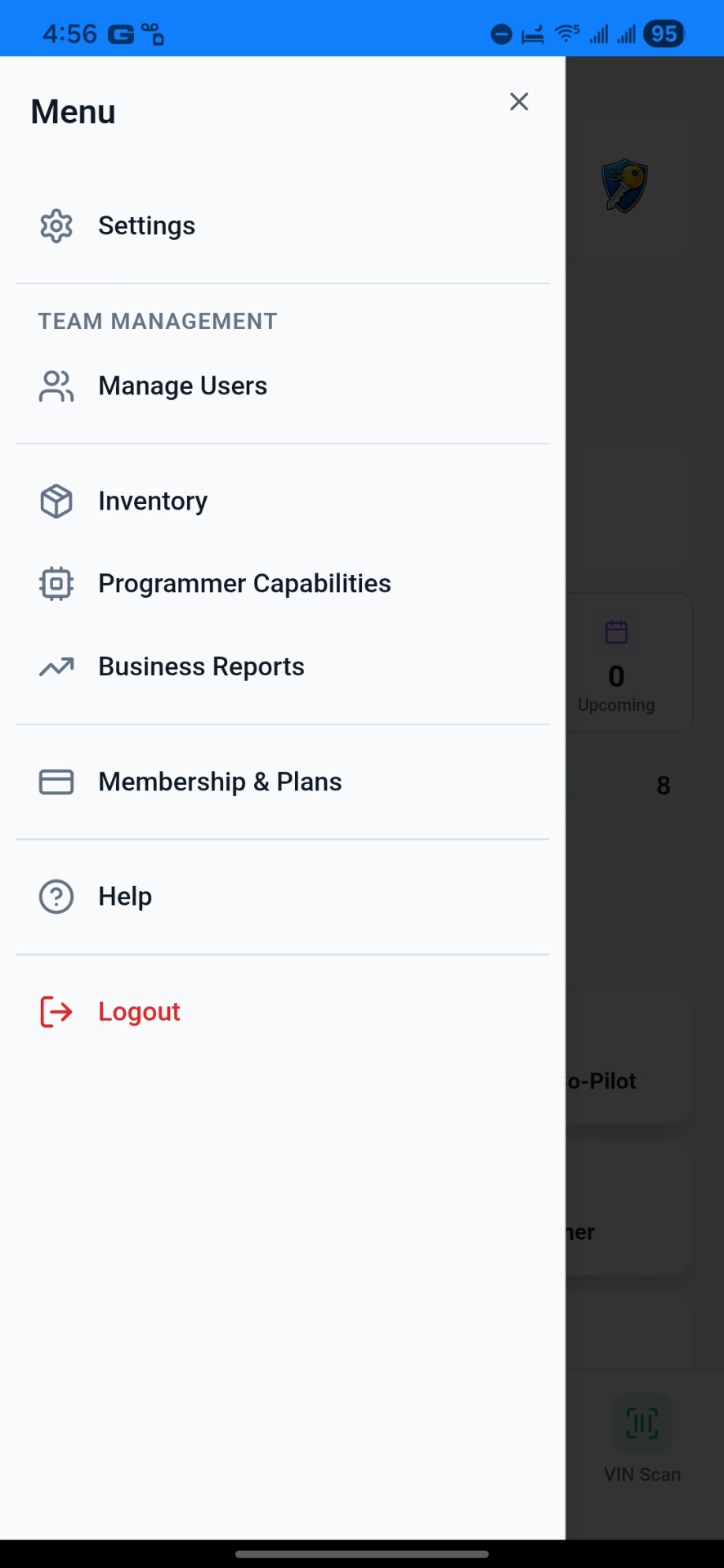
Team Growth supports up to 5 users — the owner plus 4 staff — with admin and staff role permissions so each person sees what their job requires. Add, suspend and reactivate users yourself as the roster changes.
- Up to 5 users: owner + 4 staff
- Admin and staff role permissions
- Add, suspend and reactivate users anytime
Time clock, approvals and pay setup
Techs clock in and out in the app; owners approve time before it counts. Pay can be configured as hourly, commission, or both — and commission splits from invoices and inventory sales are tracked automatically on the work itself.
- Time clock with time approval
- Hourly + commission pay setup
- Invoice commission splits per job
- Inventory sale commission splits per item sold
Keep the crew in sync
Push notifications cover the moments that matter — new jobs, inventory activity, payments and leads — and item requests let techs ask for stock without a phone call. Everyone works from the same live system on Android or the web.
- Push notifications for jobs, inventory, payments and leads
- Item requests from techs in the field
- Priority support on every plan
What structured team management gets you
Right access for each role
Admins run the business; staff see the work they're assigned. No accidental changes.
Payroll math done for you
Approved hours and tracked commission splits mean payday isn't a spreadsheet project.
Accountability by default
Jobs, time and stock movements are all attributed to the person who did them.
Roster changes in minutes
Suspend a departing tech's access instantly; onboard the next hire fast.
Fewer interruptions
Push notifications and item requests replace the constant back-and-forth calls.
One system for everyone
Techs, dispatchers and owners share the same live data on mobile and web.
Frequently Asked Questions
Can I track technician commissions or payroll inputs?
Yes. The Team Growth plan includes hourly + commission pay setup, a time clock with time approval, and commission splits on both invoices and inventory sales, so you have accurate inputs for payday.
How many team members can I add?
The Team Growth plan supports up to 5 users — the owner plus 4 staff — with admin and staff role permissions. You can add, suspend and reactivate users yourself.
Can technicians access their jobs from a mobile device?
Yes. Technicians use the KeyLogic Pro Android app or the web app to see assigned jobs, clock in and out, request items, and get push notifications.
Can I control what staff can see and do?
Yes. Admin and staff role permissions let you separate owner-level business management from day-to-day technician work.
Run the whole crew from one app
Try KeyLogic Pro free for 14 days — roles, time clock and commission tracking included on Team Growth.